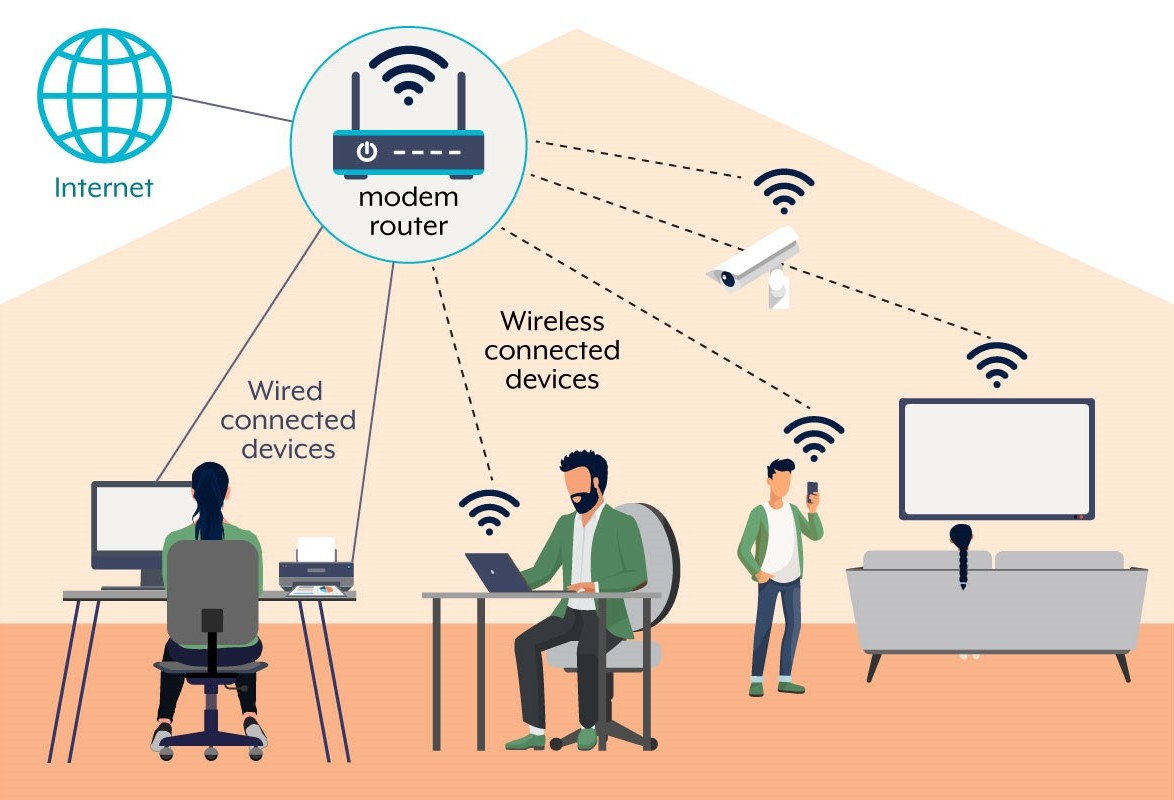

The Essential Router Security Checklist for Your Home Network
Protecting your home network begins with securing your router. A few simple steps can prevent hackers, malware, and unwanted access to your devices. Use this essential checklist to keep your connection safe.
1. Change Default Router Credentials
Replace the default admin username and password with strong, unique credentials. Default settings are widely known and commonly exploited by attackers.
2. Enable WPA3 or WPA2 Wi-Fi Encryption
Set your Wi-Fi to use WPA3 encryption, or WPA2 if your router doesn’t support WPA3. Avoid WEP—it’s outdated and insecure. Pick a complex Wi-Fi passphrase that’s different from your admin password.
3. Regularly Update Router Firmware
Install the latest firmware updates to patch security vulnerabilities and boost performance. Enable automatic updates if available, or check the manufacturer’s support page monthly.
4. Disable WPS (Wi-Fi Protected Setup)
Turn off WPS in your router’s settings to prevent easy unauthorized connections. WPS is convenient, but it’s also an easy target for attackers.
5. Enable Built-In Firewall
Activate your router’s firewall to block suspicious connections and protect devices from outside threats. Configure the firewall to block all incoming traffic except needed services.
6. Set Up a Guest Network
Create a separate Wi-Fi network for visitors and smart home devices. This keeps your main network isolated from less secure devices and guests.
7. Turn Off Remote Management & UPnP
Disable remote management and Universal Plug-and-Play (UPnP) features unless you really need them. These options are common entry points for attacks.
8. Use MAC Address Filtering
Allow only known devices to connect by setting up a MAC address “allow list.” This adds another obstacle for unauthorized devices trying to join your network.
9. Monitor Connected Devices Regularly
Check your router’s list of connected devices every month. If you see unrecognized devices, change your Wi-Fi password and investigate further.
10. Back Up Router Settings
Save your configuration in case you need to restore it after an update or reset. Most routers offer an option to export your settings file.
Final Thoughts
Securing your router is the first step toward protecting every device in your home. Review these steps regularly and update your settings as technology and threats evolve.